You’re going to set up a simple one-page website that works as your “home base” for links, bio, and contact.
This guide uses Carrd, a lightweight website builder designed for quick, clean single-page sites.
You’ll need a few basics ready, like a profile photo, a short bio, and 3–6 links you actually want people to click.
Pick the Right Tool in 60 Seconds
A one-page site is best when you want something faster than a full website but more flexible than a basic link list.
Carrd is a strong default because it’s focused on speed, mobile-friendly layouts, and simple editing without distractions.
If you want team features, heavy blogging, or a store, you may be better with a larger platform instead of a one-page tool.
Your goal here is a “good enough” page you can publish today and improve later without rebuilding from scratch.
Carrd vs Link-in-bio tools vs Notion pages
Link-in-bio tools are fast for a vertical list of links, but they can feel generic and limit your layout choices.
Notion pages can work as a quick profile, but they often load more slowly and feel less like a polished public homepage.
Carrd usually sits in the middle by staying simple while still letting you control sections, spacing, and design details.
When a full website builder makes more sense
A full website builder is a better fit when you need multiple pages, complex navigation, or SEO-heavy content.
If you want a portfolio with case studies, a blog, and pages for services, a bigger builder can scale more smoothly.
For “one link that explains who you are and what to do next,” a one-page tool is typically the fastest win.
Create Your Page Step by Step
Start by choosing a template that matches your purpose, like “creator,” “portfolio,” “business card,” or “profile.”
Replace the template content immediately so you’re building your own page instead of polishing placeholder text.
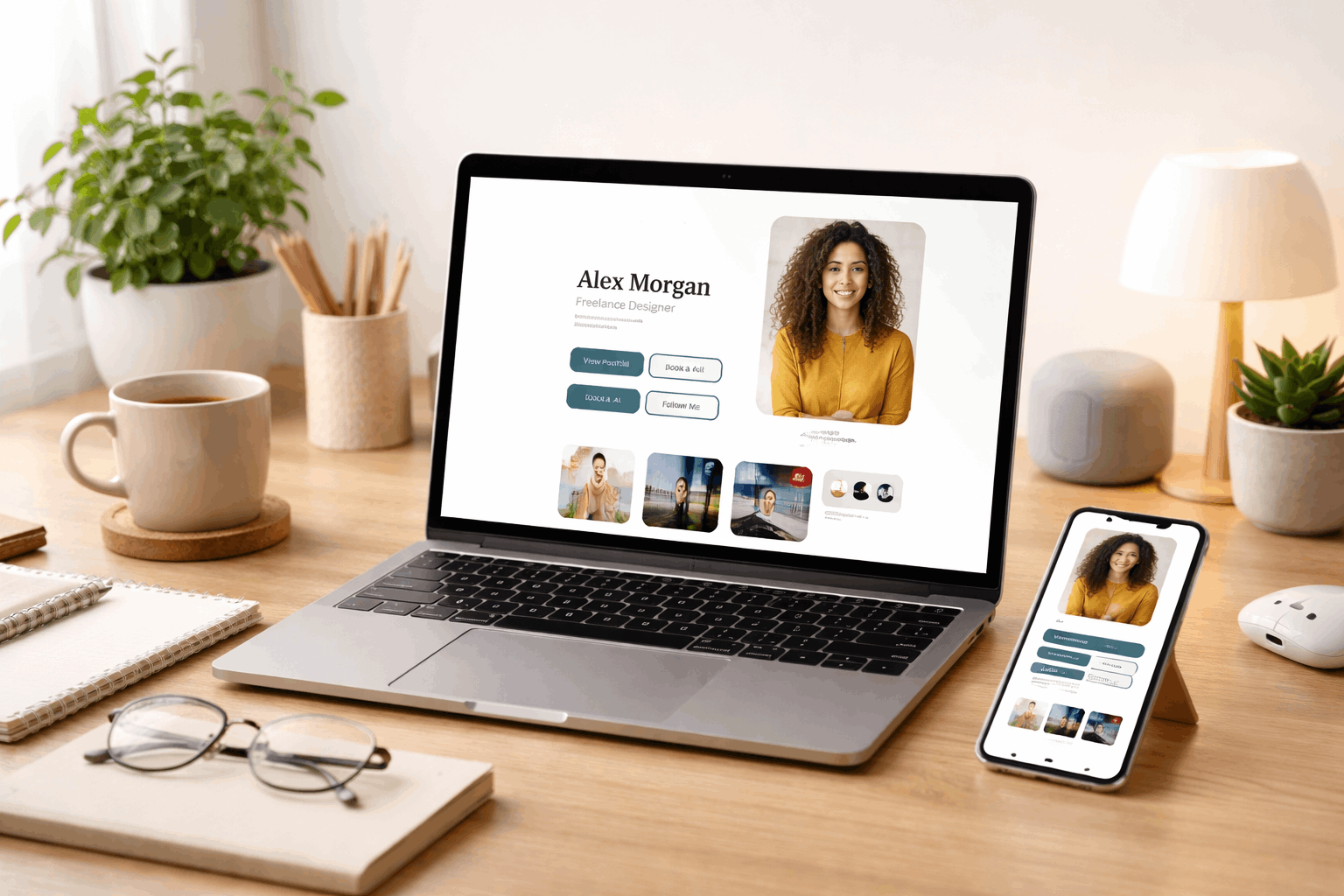
Keep your structure simple by aiming for three actions, like “Follow,” “Contact,” and “See my work.”
You’ll move faster if you decide your page order first, then fill in details after everything is in place.
Add sections that guide people to the next step
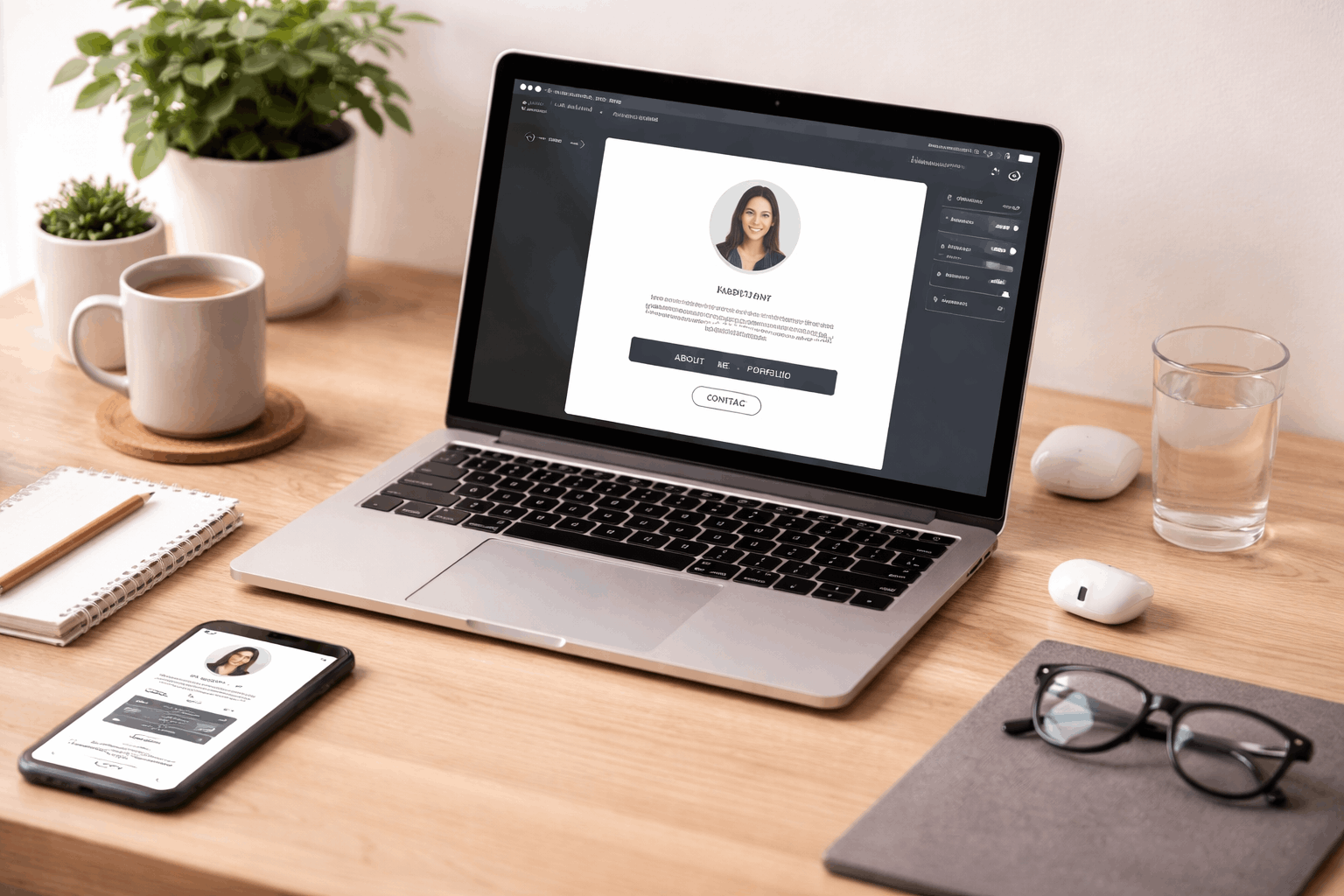
Use clear sections like Header, About, Links, Featured work, and Contact so the page feels organized.
Put your strongest action near the top, because most people decide what to do within a few seconds.
Limit “featured” items to a small set, because fewer choices usually lead to more clicks.
Make it look good on phones first
Preview the mobile view early, because most visitors will open your page on a phone.
Use shorter lines, generous spacing, and one main column so nothing feels cramped.
Avoid tiny text and dense paragraphs, because scanning beats reading on small screens.
Add a contact method you control
A simple contact section can be a button to email you, a form, or a link to a booking tool.
If you use a form, keep it short with name, email, and message so people actually finish it.
If you use email, consider a dedicated address for public contact so your personal inbox stays cleaner.
Publish and Share It Anywhere
Before publishing, click through every link once, because broken links are the fastest way to lose trust.
Use a short, consistent name and a clean profile image, because your page should feel recognizable across platforms.
Publish once you have the essentials, because a live page you can improve beats a perfect page that never launches.
After publishing, paste the link into your social profiles and your email signature so it starts working immediately.
Use the built-in free URL for quick launch
A free hosted link is the fastest option, and it’s usually enough for testing and early sharing.
Choose a short slug so the link looks clean when you paste it into bios and messages.
If you later switch to a custom domain, you can keep your design and just change where it points.
Connect a custom domain when you want a more professional feel
A custom domain is helpful when you’re applying for jobs, pitching clients, or building a personal brand.
Buy a domain name that matches your name or project, and keep it short to reduce typos.
Once connected, use the domain everywhere so people learn one reliable destination for your work and contact.
Add “Nice Extras” Without Slowing You Down
Small extras can make your page feel more professional without turning it into a complicated project.
Your priorities are speed, clarity, and trust, so add only features that support those three goals.
A clean page with one strong call-to-action often beats a busy page with ten competing elements.
If you’re unsure whether to add something, publish without it first and track whether anyone asks for it.
Basic analytics so you know what’s working
Simple analytics help you see which links get clicked and whether people stop at the top of the page.
Use what you learn to move your best-performing link higher and remove links nobody uses.
Check results occasionally, not daily, so you make calm changes based on patterns instead of moods.
Simple SEO and sharing previews for better clicks
Add a clear page title and short description so the link preview looks trustworthy when shared.
Use a clean preview image, because many platforms show an image card before people click.
Keep your wording specific, like “Portfolio and contact,” because vague titles don’t tell people what they’ll get.
Keep It Updated in Under Five Minutes
A one-page site only stays useful if it stays current, so plan to refresh it on a simple schedule.
Updates are usually small, like swapping one featured link, changing a headline, or adding a new project.
Your goal is maintenance, not redesign, so avoid changing layouts unless something is clearly broken.
If you treat this page like a living profile, it will quietly improve your results across every platform you use.
A quick monthly checklist you can repeat
Replace outdated links, verify your contact method still works, and confirm your top links reflect your current goal.
Swap in one new “featured” item, even if it’s small, because freshness signals that you’re active.
Read the page once from top to bottom on your phone, because that’s how most visitors experience it.
Common mistakes that slow you down
Too many links usually reduce clicks, so keep only what supports your main goal right now.
Overusing hype in your headline can backfire; use plain language that explains what you do.
Waiting to publish until it’s perfect is the biggest mistake, because a live page can improve while it already helps you.
Conclusion
You can set this up in minutes by keeping the page simple, choosing one clear goal, and publishing as soon as the essentials are in place.
Carrd works well for a clean one-page “home base” because it is quick to edit, mobile-friendly, and easy to share anywhere.
After you publish, update one link or section at a time so the page stays current without turning into a bigger project.