In early 2026, Microsoft sharpened how Windows 11 ships, installs, and gates fixes so devices stay stable without losing momentum on new capabilities. The focus keyword,
How Windows 11 Handles Updates centers on two things this year: a cleaner rollout pipeline and smarter safeguards for security-critical items like boot certificates.
Across supported editions, January’s security release, KB5074109 January 2026, lands on version 24H2 and 25H2 and closes several high-visibility gaps.
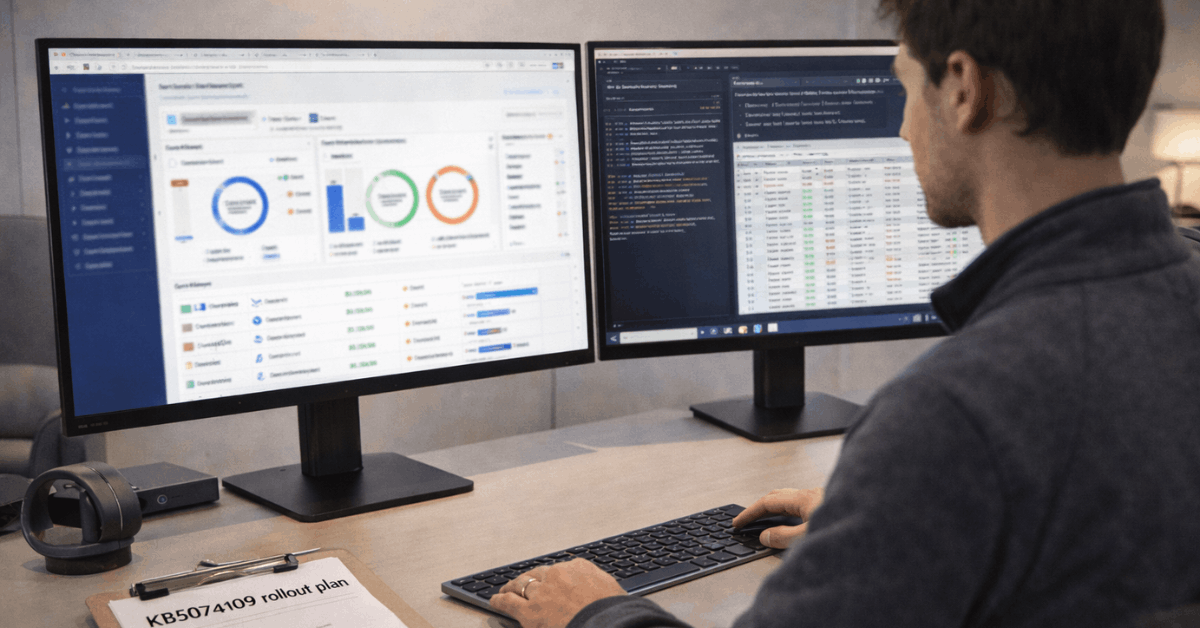
What Changed In 2026: KB5074109 At A Glance
Modern servicing succeeds when the right fix reaches the right device at the right time, and this release leans into that principle. After a year of incremental platform updates, Microsoft is starting 2026 with a quality-first security update that also improves daily reliability.
Short-term, your attention goes to power efficiency on AI-capable laptops, connectivity for mirrored WSL networking, and enterprise sign-in polish. Medium-term, the Secure Boot certificates rollout design reduces wide-blast risk through eligibility signals.
Power & Battery: NPU Idle Behavior Fixed
In January, Microsoft corrected an issue where some NPUs stayed powered during idle, which increased background draw and trimmed mobile runtime.
After KB5074109 in January 2026, affected Copilot+ PCs should stop waking the accelerator unnecessarily, yielding measurable gains during standby and light workloads. Treat this as the definitive NPU battery drain fix for the early 2026 branch.
Networking & Remote Access
In environments that rely on WSL mirrored networking, certain setups saw “No route to host” errors after a late-2025 preview. The latest release restores access paths, including VPN reachability to corporate resources, without requiring one-off workarounds.
Azure Virtual Desktop also benefits, since RemoteApp connection failures tied to a prior update have been addressed in this month’s cumulative package.
Secure Boot & Targeting
Under a new policy, Windows quality updates can include high-confidence device targeting data that determines which systems automatically receive new boot certificates.
Devices must demonstrate sufficient successful update signals prior to enrollment, which makes the Secure Boot certificates rollout more controlled and less prone to platform-wide fallout. Expect a paced ramp instead of a single cutover day.
Compatibility & Components
Legacy modem drivers such as agrsm64. sys and smserial.sys were removed, and dependent hardware no longer functions on updated builds.
The WinSqlite3.dll core component received a security-minded refresh that eliminates prior detections by some protection tools. Treat both changes as platform hygiene that prevents fragile stacks from silently undermining reliability.
Windows Deployment Services Changes
Windows Deployment Services stops supporting hands-free deployment functionality by default, aligning the out-of-the-box experience with hardening guidance shared with administrators.
Enterprises that still automate zero-touch flows should review the updated procedures and scope exemptions carefully to avoid unintended provisioning failures.
How Windows 11 Handles Updates Today
In 2026, Windows 11 update cadence continues to pair monthly security releases with periodic capability drops that flow through controlled rings. Servicing relies on cumulative packages, so installing the latest rollup brings prior fixes along, reducing variance across machines.
- Feature enablement uses configuration controls that activate capabilities when readiness checks pass, which is why two devices on the same build can expose different options for a short time.
- On your PC, Windows Update evaluates hardware, drivers, and known-issue safeguards before offering new bits. Active Hours protects working time, while automatic maintenance schedules handle reboots during low-impact windows.
- For administrators, policy settings define speed lanes, deferral windows, and whether optional previews appear on managed fleets. Consumer systems can still opt into preview builds, although risk tolerance should guide that decision rather than curiosity alone.
Feature Evolution Between 24H2 And 25H2
A version bump from 24H2 to 25H2 did not aim for splashy features, since Microsoft spent 2025 shipping small, composable changes throughout the year. The result in 2026 is a cleaner baseline that consolidates those drops and leaves fewer cliff-edge migrations.
A short orientation helps you decide where to look for value first, then where to tune policy for control at scale. Treat Windows 11 25H2 features as a bundle of refinements rather than an overhaul.
For End Users
File Explorer gained AI actions that summarize documents or apply simple edits like background blurs, which saves round-trips into heavier editors for quick tasks. Task Manager loads faster and sorts processes more responsively, a small quality-of-life upgrade for anyone who diagnoses performance spikes.
Privacy controls expose which apps recently touched on-device generative models, and consent gates let you restrict that access when needed.
For IT Administrators
Policy-based removal of default Microsoft Store apps on Enterprise and Education editions now cuts cold-start clutter and blocks reinstallation of removed packages. Enterprise access points can advertise Wi-Fi 7 where supported, and Windows Backup for Organizations moves out of pilot status.
Quick Machine Recovery helps devices find cloud remediations when boot failures cascade, reducing desk-side visits during fleet events. Treat these changes as the backbone of Windows 11 deployment for IT in 2026.
Update Experience: Phased Rollouts, Signals, and Controls
Shipping methodology matters as much as code quality. Microsoft is tuning gates and signals to keep risky changes contained while still moving the platform forward. Phasing allows the team to pause a wave when telemetry shows a spike, then resume once mitigations land.
Phased Flighting and Eligibility Signals
Eligibility signals now drive more decisions, including which devices receive sensitive items like new boot certificates. Successful update histories and stability markers act as admission tickets, which reduces exposure for machines that already show fragility. Expect more of this model across security-critical components.
Servicing Channels and Previews
Monthly security updates remain mandatory for risk management, while optional previews bundle ahead-of-month fixes and some non-security improvements.
Consumer devices can sample previews for early access, and organizational policy can stage them on Canary rings for validation. Stable channels then benefit from those learnings during the Patch Tuesday Windows 11 releases.
Managing Restarts and Active Hours
Automatic restarts still occur outside Active Hours whenever possible, and Intune, Group Policy, and local controls all shape the schedule.
After large cumulative installs, a single reboot usually clears the queue because feature enablement relies on configuration switches that do not require repeated restarts. For travel weeks, pausing updates for a short window keeps presentations safe without falling behind.

Practical Setup: Reduce Update Friction On Daily Machines
Strong habits keep updates predictable and boring, which is exactly the goal for production systems. Treat the checklist below as evergreen advice for home setups and small offices that want fewer surprises and less downtime.
- Set Active Hours that match working patterns, then confirm restart behavior aligns with travel or shift work.
- Free 10 to 20 percent disk space before large releases, since low headroom slows install times and increases rollback risk.
- Verify graphics, Wi-Fi, and storage drivers through vendor tools, since outdated stacks cause the bulk of post-update instability.
- Pause optional previews on mission-critical devices, then validate on a secondary machine before green-lighting wider use.
- Check the Windows 11 known issues 2026 list after Patch Tuesday, then decide whether to install immediately or wait a few days.
What Stayed The Same In Windows Servicing
Security remains the foundation, so the first updates of any month focus on vulnerabilities rather than features. Cumulative packaging persists, so rolling forward usually solves lingering problems faster than uninstalling new builds.
System restore points still rotate on a schedule, so proper backups remain essential if your work depends on niche drivers or legacy tools.
Enterprise guidance continues to favor ring-based deployments, hardware diversity in validation pools, and clear rollback criteria that teams can apply without escalation.
Telemetry and Policy
Because Windows 11 handles updates through a mix of telemetry and policy, stable behavior over time is rewarded with earlier waves and faster enablement.
Machines that frequently crash or run outdated drivers tend to move more slowly, which is healthier for those users even if it delays a few conveniences. Treat that pacing as a service, not a penalty, and keep fundamentals in shape so the platform can trust your device.
Last Thoughts
After a year of incremental hardening, Windows 11 updates feel steadier for your fleet and home PCs. Patch Tuesday sets the pace, while phased signals keep risky changes off your more fragile machines.
Keep drivers current, reserve disk headroom, and align Active Hours so reboots never disrupt your work. Treat KB5074109 as the early baseline, then use policy and preview rings to advance confidently.