PayPal processes billions of dollars in transactions every year, and scammers know it. That makes your account a target the moment you sign up.
Most guides on this topic hand you a list of checkboxes and call it done. But security only works when you understand why each step matters, not just that someone told you to do it.
I think the biggest mistake people make with PayPal is assuming the platform’s protections are automatic. They are not. Your habits determine whether those protections actually activate when you need them.
So let’s get into how PayPal’s safety system actually works, where the real gaps are, and what to do when something goes wrong.
How PayPal Actually Handles Your Money Behind the Scenes
When you pay through PayPal, your card number or bank details never go directly to the seller. PayPal steps in as the intermediary and handles authorization and settlement. The seller sees a confirmation. They never see your funding source.
That one layer of separation is genuinely useful. But it is not the full picture.
The Encryption Stack Most Users Never Think About
Every session between your device and PayPal runs through Transport Layer Security (TLS), which encrypts the connection and limits exposure of credentials and payment data.
On top of that, PayPal maintains PCI DSS compliance, the industry standard governing how cardholder data is stored, processed, and transmitted.
Here is the part that gets skipped in most guides: websites can misconfigure TLS. PayPal’s servers may be fine, but if you are checking out on a sketchy third-party site that uses PayPal as the payment method, the surrounding page may not be secure.
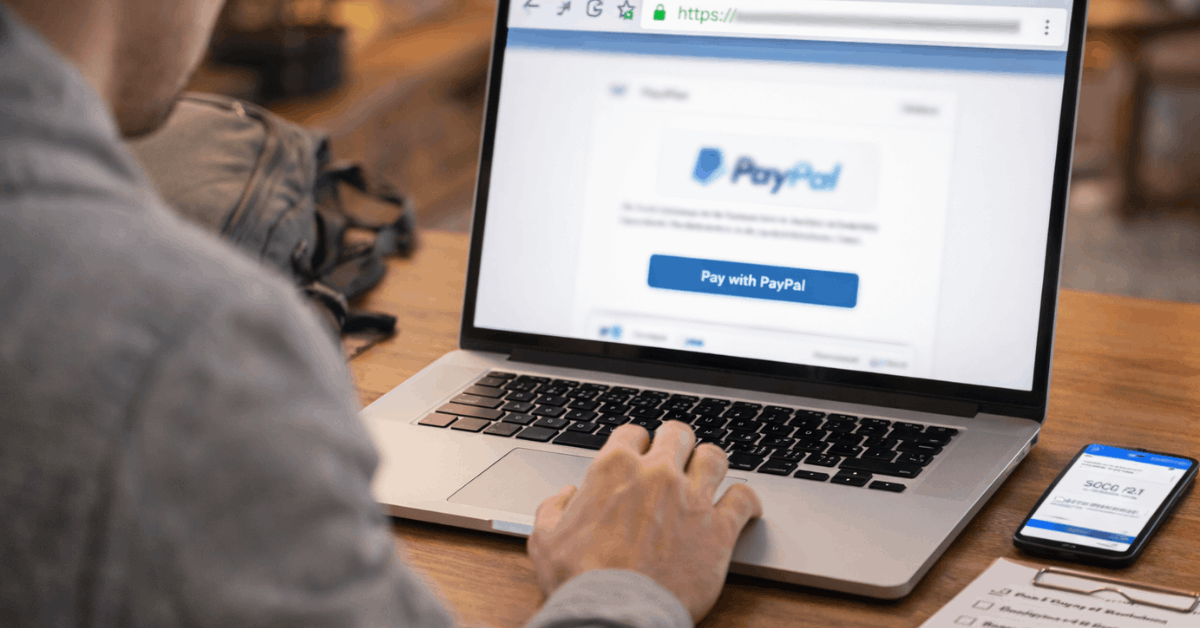
Always confirm the https indicator and padlock in the address bar before entering any details, even when PayPal is involved.
Real-Time Fraud Monitoring and What It Actually Triggers
PayPal runs continuous risk models that score logins and payments in real time. If something looks unusual, the system can trigger step-up checks, email prompts, or temporary holds.
Those holds are frustrating if you are a seller waiting to ship. I get that. But a hold that pauses one transaction is a much better outcome than an account takeover that drains your balance and locks you out for a week.
Push notifications in the mobile app are one of the most underused tools here. Turn them on. Every login and every payment should generate a real-time alert, so suspicious charges never sit unnoticed for days.
What PayPal’s Protection Plans Actually Cover (And Where They Stop)
People treat PayPal Buyer Protection and PayPal Seller Protection like insurance policies with zero fine print. That is a mistake that costs real money.
PayPal Buyer Protection: When It Works and When It Doesn’t
Eligible purchases can qualify for full reimbursement, including original shipping, when an item fails to arrive or arrives significantly not as described.
But you have to file through the Resolution Center, within the applicable time limit, with evidence including order details and communications.
If you never saved screenshots of the product listing, the seller’s messages, or the shipping window, your claim is weaker from the start. Screenshots should happen before checkout, not after something goes wrong.
PayPal Seller Protection: The Shipment Rules Most Sellers Skip
Covered sellers can be protected against unauthorized payments and item-not-received claims. But proof of shipment or delivery matters. Signature thresholds apply. Address rules apply. Certain product categories are excluded entirely.
My take is that most seller disputes happen because sellers ship too fast. Delaying shipment until clearance notices arrive protects both your cash flow and your inventory when PayPal’s fraud models place a hold for review.
Also read: Easy Google Drive Guide for Common Tasks: 2026
How Common Payment Methods Compare on Safety
Not every payment method works the same way when something goes wrong online. Here is a quick comparison worth keeping in mind:
| Method | Why It’s Secure | Key Risks | Best Use |
|---|---|---|---|
| Credit Cards | Chargeback rights, EMV and CVV checks | Card number theft, varying dispute windows | Retail checkout, subscriptions |
| Virtual Credit Cards | Tokenized, single-use numbers | Refunds may not map cleanly | One-off purchases on new sites |
| Digital Wallets (PayPal) | Tokenization, device-level authentication | Account takeover if email is weak | Fast checkout across devices |
| ACH / eChecks | Bank-to-bank encryption and authorization | Slower reversals, phishing exposure | Bills, verified payees |
| Wire Transfers | Speed and finality | Nearly impossible to reverse | Avoid for online purchases |
Wire transfers and cryptocurrency are the two methods fraudsters specifically request. Both settle fast, and reversals are either extremely difficult or outright impossible. If someone online tells you to pay via wire or crypto, that is the scam signal.
Setting Up PayPal So the Security Features Actually Work
A secure setup is not complicated, but most people rush through it and skip the parts that matter most.
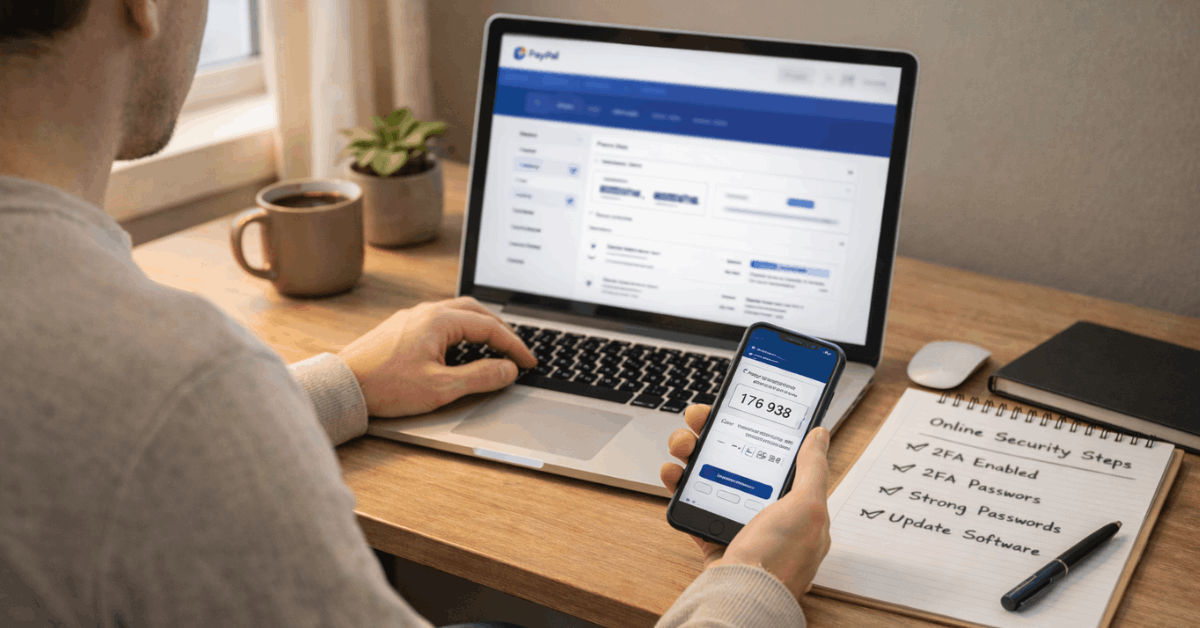
- Create a strong, unique password and enable two-factor authentication using an authenticator app rather than SMS when possible
- Add trusted funding sources, confirm small verification deposits when prompted, and label primary and backup methods clearly
- Turn on push, email, and SMS alerts so every payment and login attempt triggers a real-time notification
- Review privacy and sharing settings, limit third-party app connections, and periodically remove old devices and addresses
- Keep the app updated and avoid completing any checkout or account changes over public Wi-Fi
One thing I would prioritize above everything else on that list: re-securing your email account. PayPal’s two-factor authentication protects your PayPal login.
But if your email is weak, an attacker can request a password reset and bypass everything. Your email security and your PayPal security are directly linked.
How to Spot PayPal Scams Before They Get You
Phishing is the most common threat because it targets people, not systems. Fake messages copy PayPal’s logos, claim urgent problems with your account, and link to convincing login pages built to steal your credentials.
The giveaway is almost always in the sender’s domain. “[email protected]” looks different from “[email protected]” but people read fast and miss it.
Social Scams That Show Up as Payments
Romance schemes, fake investment opportunities, impersonations of charities, and counterfeit goods sales all funnel through PayPal because the platform’s legitimacy makes the scam feel safer to the victim.
Calm verification breaks them every time. Avoid clicking embedded links. Navigate directly to PayPal by typing the address yourself. Contact any organization through official channels you find independently, not through a phone number or link inside the suspicious message.
What to Do Right Now If Something Already Looks Wrong
Speed matters when something goes wrong. The faster you act, the more investigators have to work with.
- Report unauthorized transaction activity in the Resolution Center immediately, including the date, amount, and any context you have
- Review recent payments, linked devices, API connections, and automatic payments, then remove anything unfamiliar
- Change your password, revoke old sessions, re-secure your email, and re-enroll in two-factor authentication
Do not skip the email step. Most account recovery paths run through email, which means a compromised inbox gives an attacker a second shot even after you change your PayPal password.
Questions People Ask About Staying Safe on PayPal
Q: Is PayPal safe to use on a public Wi-Fi network? Avoid it when possible. Public networks can expose session data even with TLS encryption in place. If you must use public Wi-Fi, complete your transaction using a VPN and confirm the https padlock is present throughout.
Q: What happens if a seller ignores my dispute in the Resolution Center? You can escalate the case to PayPal directly after a set window passes with no seller response. PayPal then reviews the evidence you have submitted and can issue a refund without seller cooperation if the claim qualifies.
Q: Does two-factor authentication on PayPal protect against phishing? It raises the barrier significantly but does not make phishing impossible. If you enter your credentials on a fake site, attackers can attempt to use them in real time before the session expires. Avoiding fake sites matters as much as enabling two-factor authentication.
Q: Can I get a refund if I paid a scammer through PayPal Friends and Family? Friends and Family payments are generally not covered by PayPal Buyer Protection. Scammers specifically ask for this payment type to avoid dispute rights. Only use Friends and Family for people you actually know.
Q: How do I check if a website is actually secure before paying through it? Confirm the https indicator and a valid padlock in the address bar, match the domain exactly to the retailer’s official name, and look for a clear privacy policy with real contact information. According to Google’s safe browsing guidance, browser warnings about insecure pages should be treated as hard stops, not suggestions.
Conclusion
PayPal’s security system is genuinely strong when you know how to activate all of it. The platform handles encryption, fraud monitoring, and dispute resolution at scale.
Your job is to use strong credentials, stay alert to phishing, document transactions before problems happen, and act fast when something looks off.
The gap between “PayPal got me scammed” and “PayPal kept me safe” is almost always a user habit, not a platform failure. And that is actually good news, because habits are something you can control starting today.