In daily finance, convenience only helps when the rails are secure. A practical PayPal guide should explain what protections exist, what to watch for, and how to act if something looks off.
Under PayPal’s model, card and bank details stay hidden while encrypted sessions and risk checks screen transactions in the background. Because scams target people more than systems, this walkthrough pairs platform safeguards with simple habits that raise your odds of safe, smooth payments.
How PayPal Works and Why Security Matters
In a typical checkout, PayPal acts as the intermediary between your funding source and the seller. Card numbers and bank details remain masked, while the platform handles authorization and settlement.
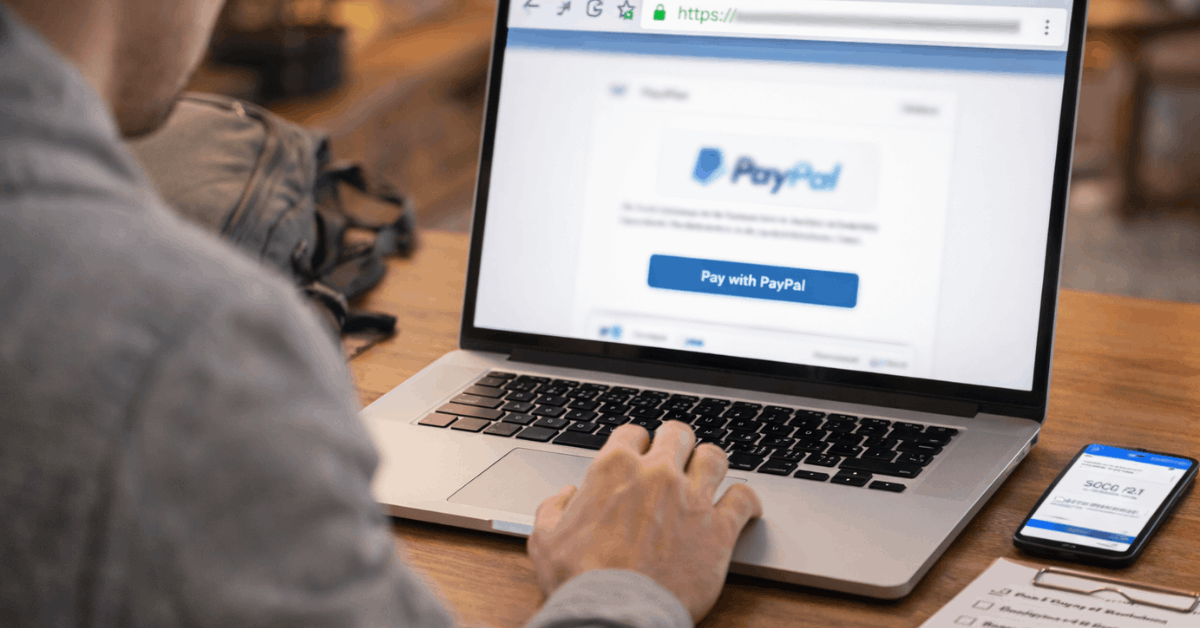
Account integrity hinges on identity controls, encrypted transport, and continuous fraud monitoring. Solid habits on your side close the remaining gaps that social engineering and rushed clicks tend to open.
How PayPal Keeps Payments Safe
Clear awareness of the safety stack helps you use it correctly. The points below group the core PayPal security features into five areas and call out what each one does for you. Terms and coverage vary by country and transaction type, so treat this as a practical map, then confirm details case-by-case.
Data Encryption and PCI DSS Compliance
Transport Layer Security (TLS) encrypts sessions between your device and PayPal, limiting exposure of credentials and payment data.
Servers, apps, and network paths are aligned to industry standards, and ongoing PCI DSS compliance governs how cardholder data is stored, processed, and transmitted. Because websites can misconfigure TLS, always confirm the https indicator and padlock before entering sensitive details.
Fraud Prevention and Account Monitoring
Continuous risk models score logins and payments in real time. Unusual activity can trigger step-up checks, email prompts, or temporary holds that prevent losses while support reviews the case.
Push notifications in the mobile app add fast visibility so suspicious charges never linger unnoticed.
PayPal Buyer Protection
Eligible purchases can qualify for reimbursement of the full payment amount, including original shipping, when items fail to arrive or arrive significantly not as described.
Time limits apply, and cases must be filed through the Resolution Center with evidence such as order details and communications. Escalation paths exist when seller responses stall or documentation conflicts.
PayPal Seller Protection
Covered sellers may be protected against unauthorized payments and item-not-received claims on eligible sales.
Proof of shipment or delivery, signature thresholds, and address rules matter, and certain categories are excluded. Shipping only after risk checks clear helps avoid avoidable chargebacks and inventory loss.
Authentication, Verification, and Controls
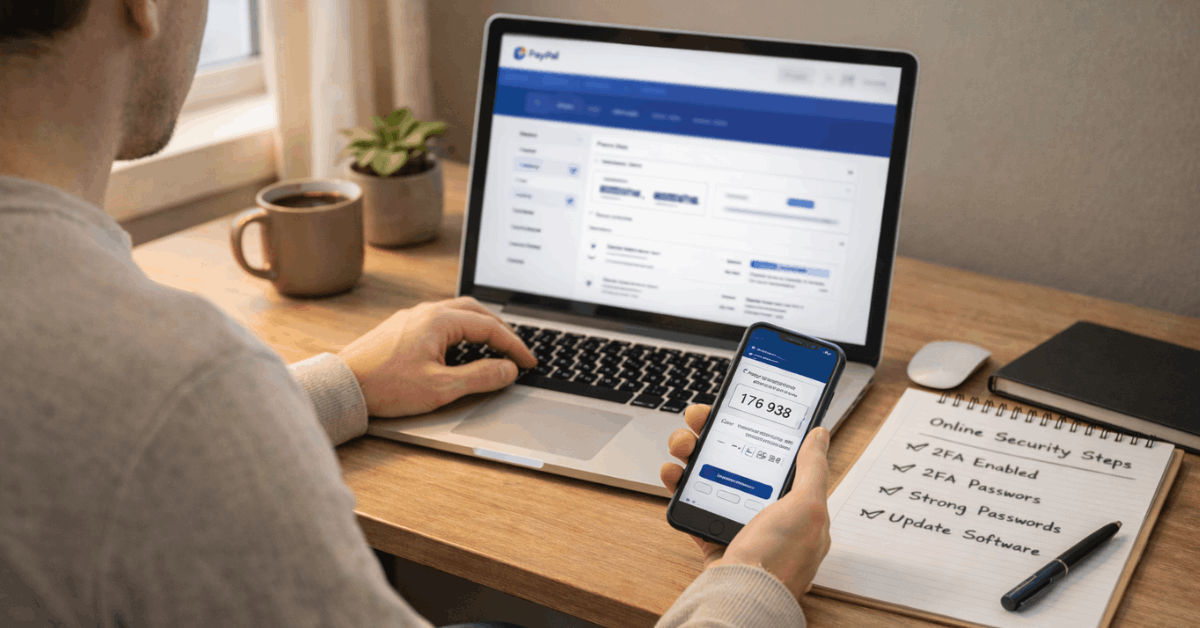
Strong logins lower takeover risk. Enabling two-factor authentication on PayPal and setting device-based prompts raises barriers for attackers even if a password leaks.
Periodic PayPal account verification satisfies legal KYC requirements and unlocks higher limits, while security settings centralize password changes, session reviews, and recovery options.
Setting Up and Using PayPal Securely
Thoughtful setup prevents most headaches and speeds up dispute handling if needed. The steps below keep access tight, payment flows traceable, and alerts timely, which together shorten the window between a suspicious event and your response.
- Create a strong, unique password and enable two-factor authentication on PayPal using an authenticator app or secure SMS.
- Add trusted funding sources, confirm small verification deposits when prompted, and label primary and backup methods clearly.
- Turn on push, email, and SMS alerts so every payment and login attempt generates a real-time notification.
- Review privacy and sharing settings, limit third-party connections, and periodically prune old addresses and devices.
- Keep the app updated, use supported browsers, and prefer known networks; avoid public Wi-Fi for checkout or account changes.
How To Check Website Safety During Checkout
Quick checks at the page level reduce the chance of sharing data on a spoofed or poorly secured site. Signals are never perfect, yet combining several lowers false confidence and flags risky pages before payment.
- Confirm https in the address bar and a valid padlock, then match the domain to the retailer’s official name.
- Scan for a clear privacy policy and a physical contact route, such as a customer service line or registered business address.
- Look for PCI DSS compliance or recognized trust marks, and click badges to verify they resolve to a provider’s confirmation page.
- Treat browser “Not Secure” banners and full-page warnings as red lights; switch devices or abandon the cart if doubts remain.
- Avoid checkout links received in unsolicited emails or messages; search the merchant name independently, then navigate directly.
Secure Online Payment Methods Compared
Most households mix payment methods based on context. The table contrasts common options used online, noting why they are considered secure and where they can still expose you to risk.
| Method | Why It’s Secure | Key Risks | Best Use |
| Credit Cards | Network protections, chargeback rights, EMV and CVV checks | Card number theft, dispute windows vary | Retail checkout, subscriptions |
| Virtual Credit Cards | Tokenized, single-use numbers reduce reuse | Merchant refunds may not map cleanly | One-off purchases on new sites |
| Digital Wallets | Tokenization and device-level authentication | Account takeover if device and email are weak | Fast checkout across devices |
| ACH / eChecks | Bank-to-bank rails with encryption and authorization | Slower reversals, phishing for credentials | Bills, verified payees |
| Prepaid or Gift Cards | Limited exposure to loaded balance only | Limited dispute recourse, reload scams | Controlled-spend or gifts |
Riskier Payment Methods and Why They Matter
Cash and paper checks provide little recourse when something goes wrong online. Wire transfers move fast and are exceptionally hard to reverse once picked up or posted, which is why fraudsters prefer them.
Cryptocurrency settles irreversibly and operates under evolving consumer protections, so mistakes or scams often become permanent losses.
Debit cards draw directly from deposited funds and can trigger overdrafts while disputes run; using a credit card inside the wallet adds a buffer that debit simply lacks.
Spotting Scams That Target PayPal Users
Phishing remains the most common threat because it sidesteps strong systems and persuades people to hand over secrets. Fake messages copy logos, claim urgent problems, and link to convincing login pages built to steal credentials.
Social scams show up as romance schemes, fake investments, counterfeit goods, and impersonations of friends, charities, or support agents.
Calm verification habits help: read sender domains carefully, avoid clicking embedded links, validate short codes, and contact organizations through official channels located independently.
What To Do If Something Looks Wrong
Swift action reduces losses and gives investigators a clearer trail. The sequence below mirrors what support teams expect to see and ensures your account is secure before the next transaction attempts to post.
- Report unauthorized transaction activity in the Resolution Center or through support, including the date, amount, and any context.
- Review recent payments, linked devices, addresses, API connections, and automatic payments, then remove anything unfamiliar.
- Change the password in security settings, revoke old sessions, re-secure email, and re-enroll in two-factor authentication for PayPal.
Practical Tips For Buyers and Sellers
Screenshots of product pages, descriptions, and messages strengthen PayPal Buyer Protection claims. Shipping windows, product condition, and return terms should be saved before checkout, not after a dispute begins.
In seller scenarios, address validation, tracked shipping, signature rules, and photo evidence of packing reduce chargeback risk and align workflows to PayPal Seller Protection requirements.
Because fraud models sometimes place holds while a sale is reviewed, delaying shipment until clearance notices arrive protects both cash flow and inventory.
Key Takeaways For Safer Checkouts
In most cases, safe outcomes trace back to layered controls that catch problems early. Strong credentials, verified devices, and timely alerts block account takeovers. Careful domain checks and caution around unsolicited links lower exposure to spoofed sites.
Platform protections such as PayPal Buyer Protection, PayPal Seller Protection, ongoing fraud monitoring, and PCI DSS compliance add formal backstops when things still go wrong.