Online tools for beginners should make daily work easier, not turn simple tasks into a complicated setup. They can help with notes, tasks, files, calendars, communication, and simple creative work.
This guide explains how to choose beginner-friendly tools without adding too many apps at once. You will learn how to build a small system, protect your information, and avoid mistakes that make digital organization harder.
Start With One Clear Goal Before Choosing Any Tool
A beginner setup works better when it starts with a specific need, not a long list of popular apps. When the goal is clear, it becomes easier to choose tools that match your real routine.

Focus on the Problem You Actually Need to Solve
Before opening accounts, decide what problem you want the tool to handle first. You may need a place to store class notes, track deadlines, organize work files, or manage group messages.
Each need points to a different type of tool, so starting too broadly can create confusion. A notes app will not solve missed calendar reminders, and a file storage tool will not organize your daily tasks.
This step also prevents you from copying someone else’s setup without knowing if it fits you. A freelancer, student, office worker, and small business owner may all need different digital habits.
The best tool is the one that supports your actual routine, not the one with the longest feature list. Choosing from your own needs keeps the setup more useful and easier to maintain.
Keep Must-Have Features Short
A beginner does not need to compare every feature on every app. Start with three to five must-have features that you will use often.
For a task tool, that may include due dates, reminders, recurring tasks, and mobile access. For file storage, it may include folders, search, sharing, and automatic syncing.
Nice extras can be reviewed later, but they should not control the first decision. Too many requirements can push you toward tools that are powerful but harder to use.
If the tool feels heavy from the start, you may avoid opening it when you are busy. A short must-have list keeps your first setup realistic.
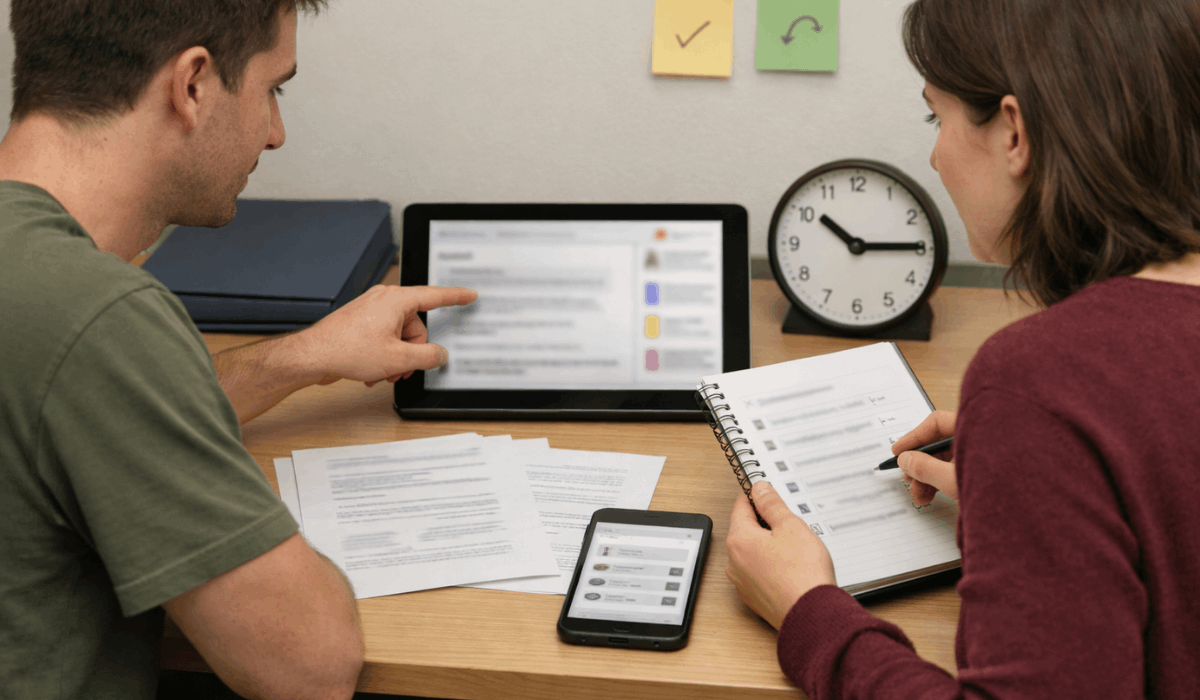
Build a Small Starter Stack That Covers Daily Needs
You do not need dozens of apps to start using online tools well. A small set of core tools is usually enough for notes, tasks, files, scheduling, and communication.
Choose One Main Tool for Each Area
A simple starter stack may include one notes tool, one task tool, one file storage tool, one calendar, and one communication app. This structure covers the work most beginners do every day without forcing constant switching.
Notes can hold ideas and checklists, while a task app can track due dates and reminders. File storage keeps documents safe and easier to access across devices.
The important part is avoiding overlap. If two apps both hold your tasks, you may forget where you saved something.
If files are spread across too many storage tools, searching becomes stressful. One tool per main purpose gives your digital system a cleaner shape.
Also read: Best Online Tools to Simplify Your Daily Tasks – Productivity Made Easy
Match Each Tool to a Daily Moment
Tools become easier to use when they connect to habits that already exist. A calendar check can happen before school or work, while task review can happen after lunch or before logging off.
Notes can be used during meetings, study sessions, or quick idea capture. File storage can become part of your routine whenever you finish an assignment or project.
This matters because beginners often fail by setting up tools but not deciding when to use them. A good tool still needs a repeatable moment in your day.
If the habit is not attached to a real routine, it may disappear after a few days. Simple timing turns online tools into practical support instead of forgotten accounts.
Set Up Your Tools Without Overloading the First Day
A clean setup should help you start using the tools quickly. You can improve the system later, but the first version should be simple enough to trust.
Secure the Accounts Before Adding Work
Security should be part of the setup from the beginning. Use strong passwords, turn on two-factor authentication when available, and add a recovery email or phone number.
These steps may feel small, but they protect notes, files, messages, and schedules from being lost or accessed by the wrong person. Beginners often skip this part because they want to start fast, but weak security can create bigger problems later.
It also helps to save backup codes if the tool provides them. Losing access to an account can interrupt school projects, work files, or important communication.
A secure account gives you more confidence to use the tool regularly. Basic protection keeps your important information safer without making the setup complicated.
Use Simple Folder and Naming Rules
A tool becomes harder to use when everything is saved with unclear names. Create a few main folders such as School, Work, Personal, Projects, and Important.
Use names that include a date and topic when the file or note may be searched later. This makes your system easier to understand even after weeks or months.
A short structure is better than a perfect structure you never maintain. Start with these basic rules:
- Use clear file names.
- Keep main folders simple.
- Review clutter once weekly.
These rules are enough for most beginners. You can always add more detail later if your work becomes more complex. The goal is to find things quickly without turning organization into another task. Simple naming protects your future time.
Avoid Beginner Mistakes That Make Tools Harder to Use
Most problems come from adding too much too soon. Beginners usually need steady habits more than advanced features.
Do Not Switch Tools Too Quickly
Tool hopping is one of the fastest ways to lose progress. You may try one app for tasks, another for notes, and another for files before giving any of them enough time to work.
This creates scattered information and makes it harder to build a real habit. A tool should usually be tested with normal use for at least a week before you replace it.
Switching too quickly can also hide the real issue. Sometimes the problem is not the app, but unclear folders, weak reminders, or no review routine.
Fixing the habit may solve more than downloading another platform. Staying with one tool long enough helps you understand your real workflow.
Test Sync and Backups Early
Online tools are useful because they work across devices, but you should not assume syncing is perfect. Upload one test file, edit one note, add one task, and check whether the changes appear on your phone and computer.
This simple test shows whether the tool fits your devices before you depend on it. It also helps you notice delays or missing updates early.
Backups matter too, especially for files you cannot easily recreate. Keep copies of important documents outside the tool when the work is serious.
A cloud tool is helpful, but it should not be the only place your most important files exist. Testing protects your daily access and reduces the chance of losing work.
Know When It Is Time to Upgrade Your System
Upgrading makes sense when your current tools create real friction, not just because another app looks better.
You may need a stronger setup if deadlines are being missed, files are hard to find, group work becomes messy, or storage limits block your routine.
A paid plan may be worth reviewing if the free version no longer supports your daily needs. However, upgrading too early can add features you do not understand yet.
Wait until your basic routine is stable before moving to more advanced settings. A good upgrade should solve a clear problem, not create more digital maintenance.
Conclusion: Keep Beginner Tools Simple Enough to Use
Online tools for beginners work best when the setup stays small, clear, and connected to daily habits. Start with one problem, choose one main tool for each task type, and protect your accounts before adding important work.
Avoid tool hopping, test syncing early, and keep your folders easy to understand. The goal is not to build a perfect digital system on the first day.
The goal is to create a simple workflow you can return to when life gets busy. Once that routine feels stable, you can add better features or upgrades with more confidence.