Who Will Likely Benefit From It?
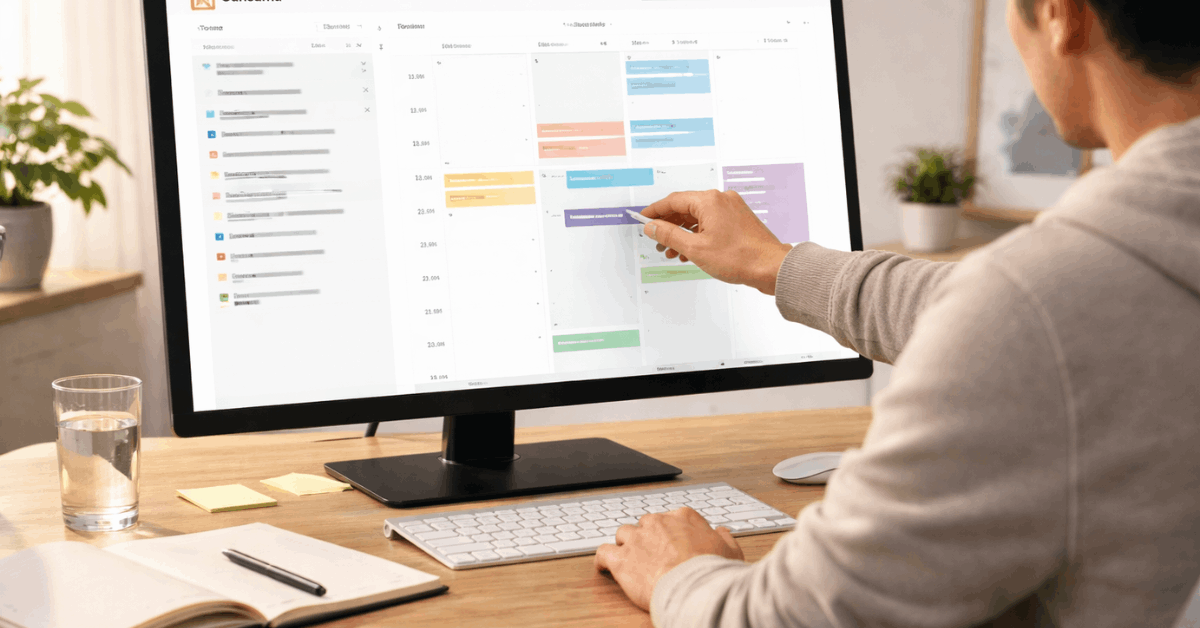
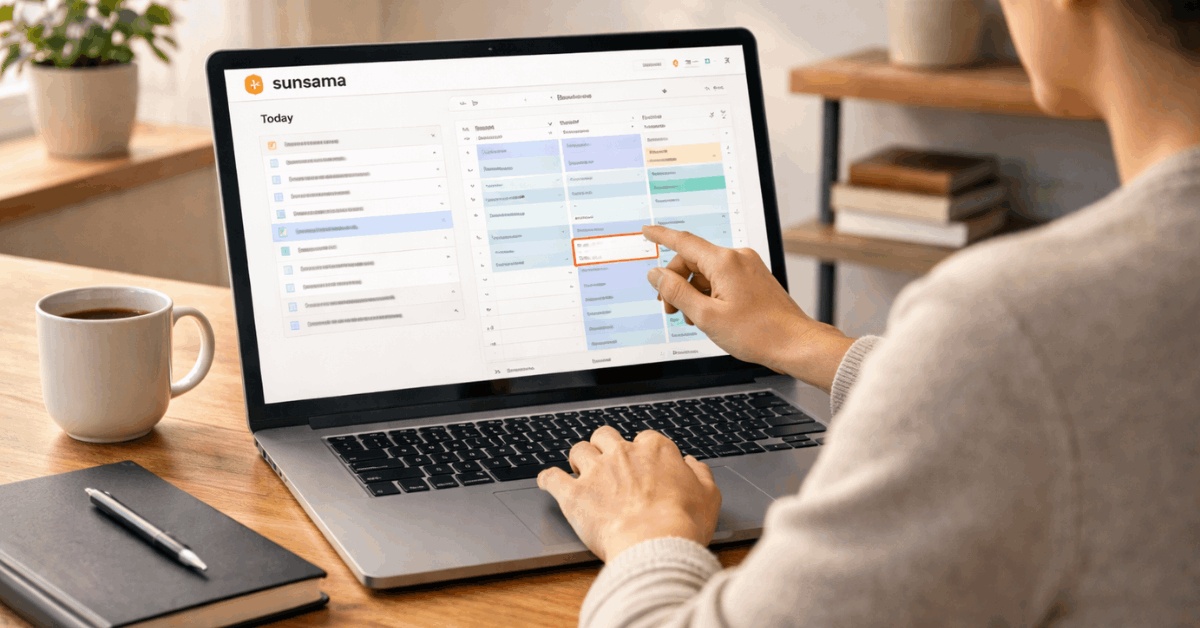
Sunsama may suit people who already use several tools but feel tired of checking them one by one. It can pull work from platforms like Google Calendar, Outlook, Notion, Asana, Trello, Jira, and other connected apps.
That makes it helpful for people who need a single view of calendar events, task lists, and follow-ups.
It may also support professionals who struggle with attention because Focus mode narrows the screen to one current task. However, users who only need a basic checklist may find Sunsama more structured than necessary.
How Sunsama Saves Time During the Day?
Sunsama saves time by reducing small decisions that normally repeat all day. It helps you capture tasks, choose priorities, schedule work, and close the day with less mental clutter.
The guided planning flow is useful because it turns planning into a short ritual instead of a long cleanup session. When used consistently, the app can reduce jumping between tabs, calendars, emails, and project boards.
It also makes unfinished work easier to handle because missed tasks can be moved intentionally instead of forgotten. The real advantage is steady pacing, not speed for its own sake.
Morning Planning Sets the Tone
The morning planning step usually takes only a short session, but it can change how the whole day feels. You choose what matters, estimate how long each task may take, and place work around existing meetings. This creates a more honest plan than simply staring at a to-do list. If a task does not fit, Sunsama makes that clear before you are already behind. This is especially helpful when meeting-heavy days leave less space for deep work than expected.
Focus Mode Helps Reduce Switching
Focus mode hides the rest of the list and keeps attention on the current task. That small design choice matters because many workers lose time not only by doing tasks, but by deciding what to do next.
Timers can also help users stay with one piece of work long enough to make progress. When connected to Slack or Microsoft Teams, status updates can show others that you are focused. This reduces interruptions without needing to explain your availability every time.
Use Integrations Without Creating Another Inbox
Sunsama works well when integrations bring useful tasks into one place. It becomes less helpful if every message, comment, and minor reminder is pulled in without review.
Connect only the tools you truly check each day, such as calendar, email, and one project platform. This keeps the system light enough to trust and prevents the daily planning view from becoming crowded.
The goal is to reduce tool-hopping, not create a second version of every workspace. A careful setup protects the app’s main strength: clean visibility.
Start With Only the Essential Connections
New users should avoid connecting every available integration on the first day. Start with your calendar, your main email, and one task or project tool.
Once the daily rhythm feels stable, add another connection only if it removes repeated manual work. This prevents the app from becoming noisy before you understand how you actually use it. A slow setup can feel less exciting, but it often creates a cleaner planning habit.
Keep Channels Simple
Channels help organize time by work type, client, project, or area of life. They become useful when they show where your week is going, not when they turn into a complicated labeling system.
A freelancer might use channels for Client Work, Admin, Content, and Personal. A manager might use Planning, Meetings, Reviews, and Follow-Ups.
Clear channels make weekly reports easier to understand and help you spot where time blocks are being consumed.
Use this short setup before adding more structure:
- Connect calendar and email first.
- Create three to five channels.
- Test Focus mode daily.
Where Sunsama May Feel Limited?
Sunsama is useful for personal planning, but it is not a full project management platform. It does not replace detailed roadmaps, team dashboards, advanced reporting systems, or approval-heavy workflows.
The mobile app is helpful for capture and small changes, but full planning usually feels better on desktop. Pricing may also feel high for users who only need a basic to-do list.
These limits do not make the tool weak; they simply define where it fits best. Sunsama should be reviewed as a daily planning tool, not a complete company operating system.
The Premium Price Needs a Real Reason
Sunsama’s paid model may be worth considering when the app reduces stress, context switching, or daily planning mistakes.
However, users should test it with a real week before deciding. If you only need reminders and simple recurring tasks, a lighter app may be enough.
If your workday includes many tools, meetings, client tasks, and competing priorities, the value becomes easier to judge. The best test is whether Sunsama improves work consistency after the first few days.
Desktop Planning Still Matters
Mobile access is useful when you need to capture a task or check the day quickly. Still, Sunsama’s full value appears on desktop, where the calendar, tasks, drag-and-drop planning, and workload view are easier to manage.
This matters for people who expect to plan mostly from a phone. The app can support mobile routines, but it is not built around mobile-first planning. Users should test both versions before making it part of their daily workflow.
Conclusion: Use Sunsama When Your Day Needs Better Boundaries
Sunsama can be a strong option for people who need a more deliberate way to plan tasks around real calendar time. Its value comes from guided planning, focus support, realistic estimates, and a clear shutdown routine.
It may not suit users who only need a basic checklist, but it can help professionals who feel pulled between too many tools.
The smartest approach is to test one full week with only the essential integrations connected. If the app helps you finish work with fewer loose ends, it may deserve a place in your daily routine.